CAN YOU 3D PRINT
A PLAYABLE RECORD?
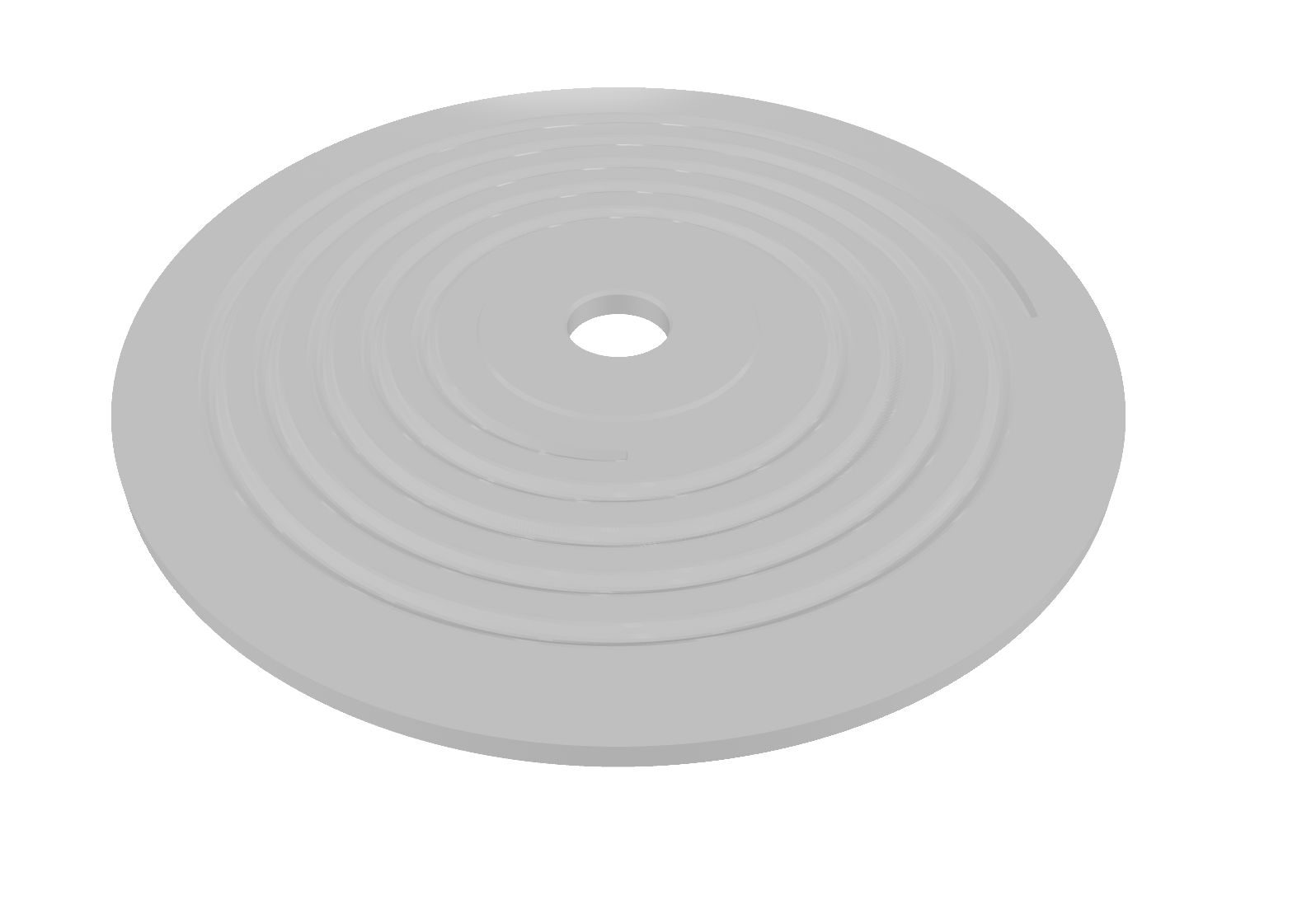
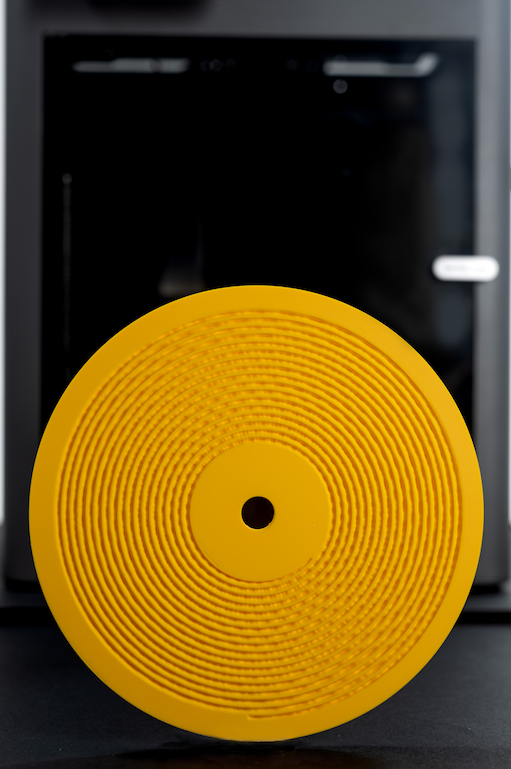
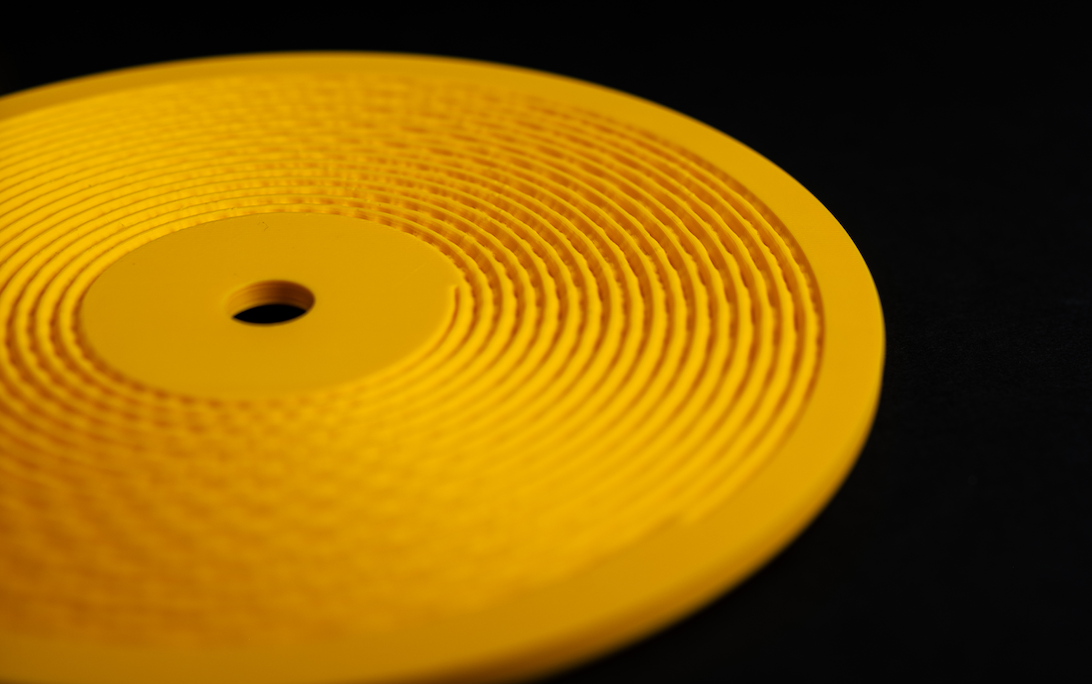
Yes. A 3D printer can cut a real, stylus-readable groove — as long as you respect the physics. This guide covers groove geometry, resin vs PLA, layer height, and the playback quality you should actually expect.
The short answer
A record works because a spiral groove physically encodes a waveform, and a stylus reads that displacement back as sound. Nothing about that requires a pressing plant — it requires resolution. A 3D printer that can hold roughly 0.08mm layers and clean vertical walls can produce a disc that plays. What you lose is bandwidth: printed discs typically sit around 350Hz–4,868Hz depending on method, against vinyl's 20Hz–20kHz. Think early phonograph, not hi-fi.
FROM WAVEFORM TO GROOVE
- 1
Start from a mono, band-limited master
Sum to mono, high-pass around 300Hz and low-pass around 5kHz, then apply gentle limiting. A 3D-printed groove cannot carry full-range stereo, so the master has to be prepared for the medium.
- 2
Generate the groove geometry
The waveform is converted into a lateral spiral cut: amplitude becomes horizontal groove displacement, time becomes the spiral path. Groove pitch, depth and land width must stay inside what your printer can resolve.
- 3
Choose the material
Resin (MSLA) resolves finer groove walls and gives cleaner playback. PLA on a well-tuned FDM printer works, but expect more surface noise. Avoid brittle or highly filled materials — the stylus applies point load to the groove wall.
- 4
Print at a low layer height
Layer height is the single biggest quality lever. Around 0.08mm on FDM is the practical floor for audible playback; resin printers can go finer. A typical disc takes roughly 4 hours at that setting.
- 5
Post-process and play
Clean and fully cure resin prints, deburr the groove entry, and let the disc flatten under light weight. Play at 45 or 33 RPM with a conical stylus and standard tracking force.
RESIN VS PLA
Resin (MSLA)
- Finest groove walls and lowest surface noise
- Best choice when playback clarity matters most
- Needs full washing and curing before play
- More brittle — handle the groove edge carefully
PLA (FDM)
- Accessible, cheap, and forgiving to print
- Audible layer noise unless tuned tightly
- 0.08mm layer height is the practical floor
- Tough enough for repeat plays and handling
Frequency range
350Hz–4.9kHz
Print time
~4 hours
Playback speed
45 / 33 RPM
One more thing that has nothing to do with the printer: rights. Printing a recording you don't own is still copying it. Kräftsound handles this by binding every printable file to a licence token and an artist ID, so a print is authorised at the file level rather than by trust.
Skip the groove maths
Kräftsound turns a track into a print-ready 3MF disc file — groove geometry, printer profiles and licensing handled for you.